With a series of shots in London, Larissa Olenicoff demonstrates how different iPhone apps can alter your photos.
IT’S NO SECRET that iPhones can take some pretty great photos, which is a godsend for many travelers out there who are either too bogged down by gear or too intimidated to work with more advanced cameras.
On a recent trip to London I thought I’d play around with some of my shots and most-used photo applications to show how not only can iPhones take great photos, but how they can make those great photos even more interesting. So whether you want to funkify a few of your favorite shots just for fun or cultivate your new found love for iPhoneography, here are 10 great photo apps you can work with regardless of your level of experience with photo editing tools. ![]()
1
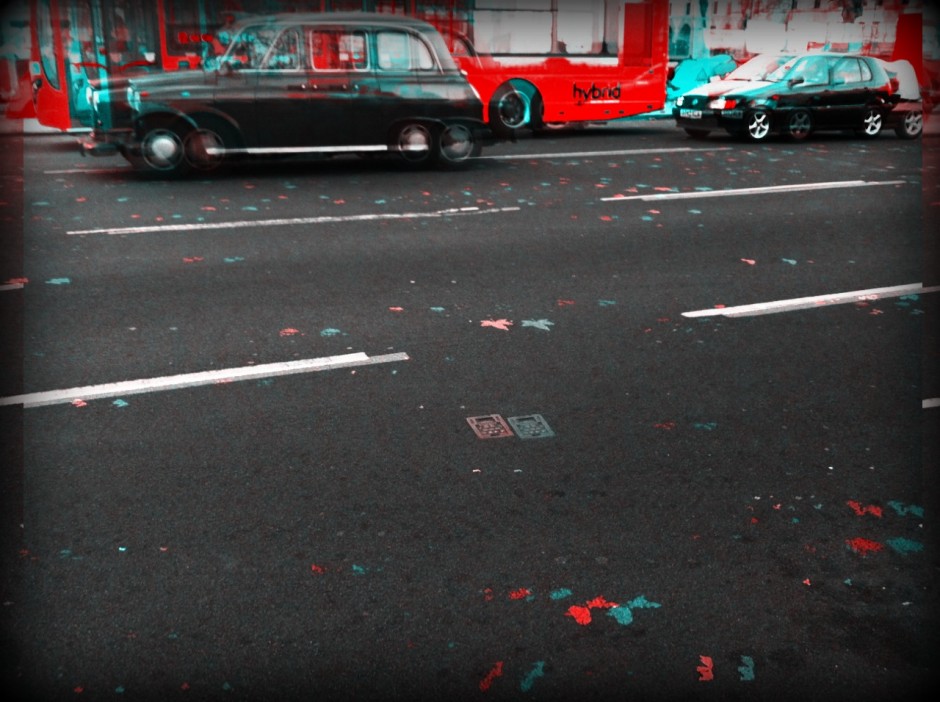
Be Funky Photo Editor
Be Funky Photo Editor and Be Funky Photo Editor Pro provide you with 20-55 different photo effects instantly and allows you to edit and add a variety of frames. Use existing photos from your library or take new ones using the app. The HolgaArt effect was used in the photo above. (free-$1.99)
2
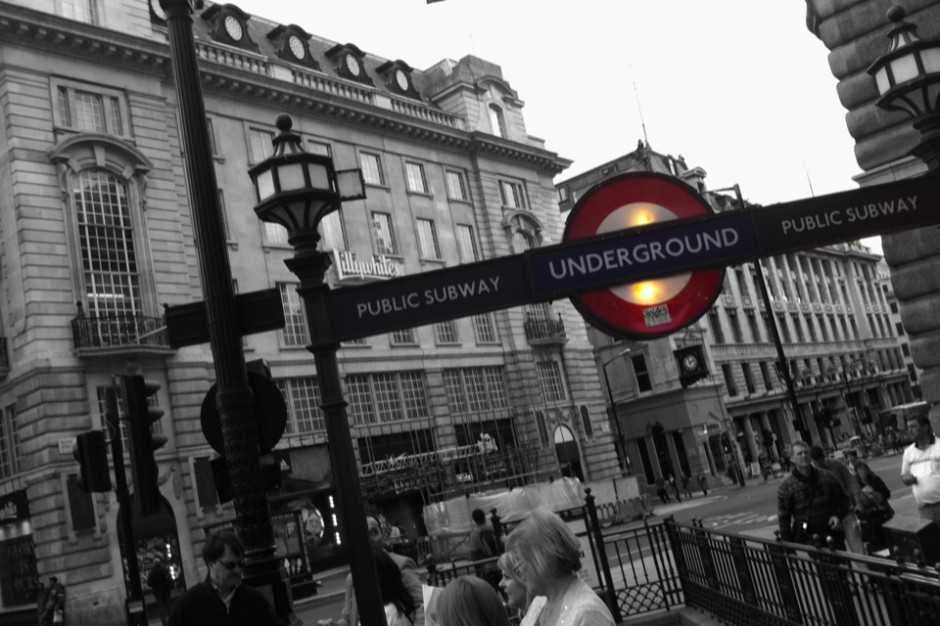
Color Effects
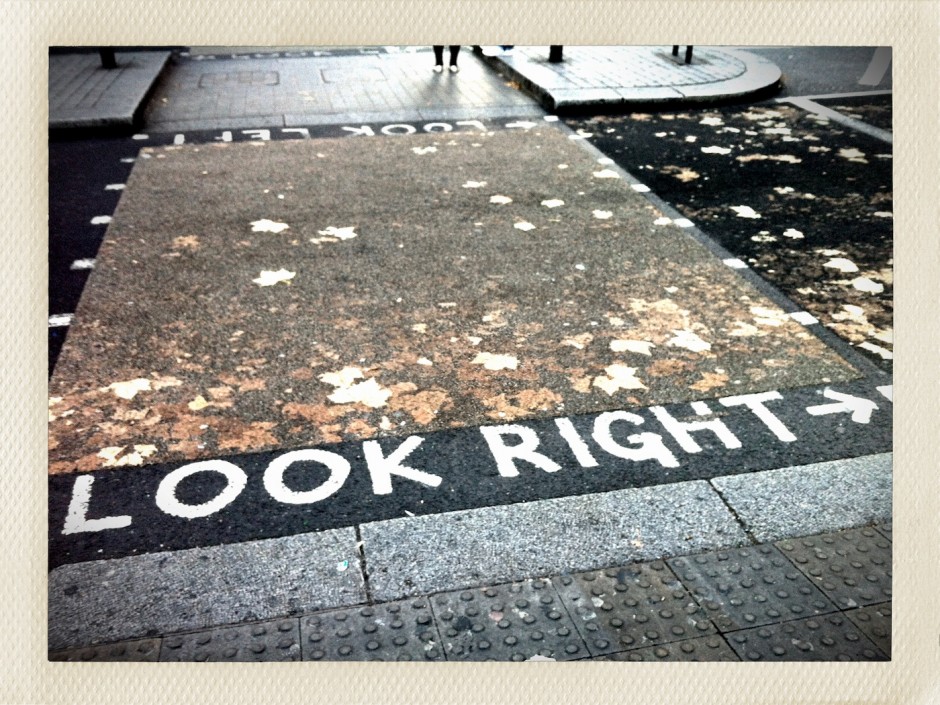
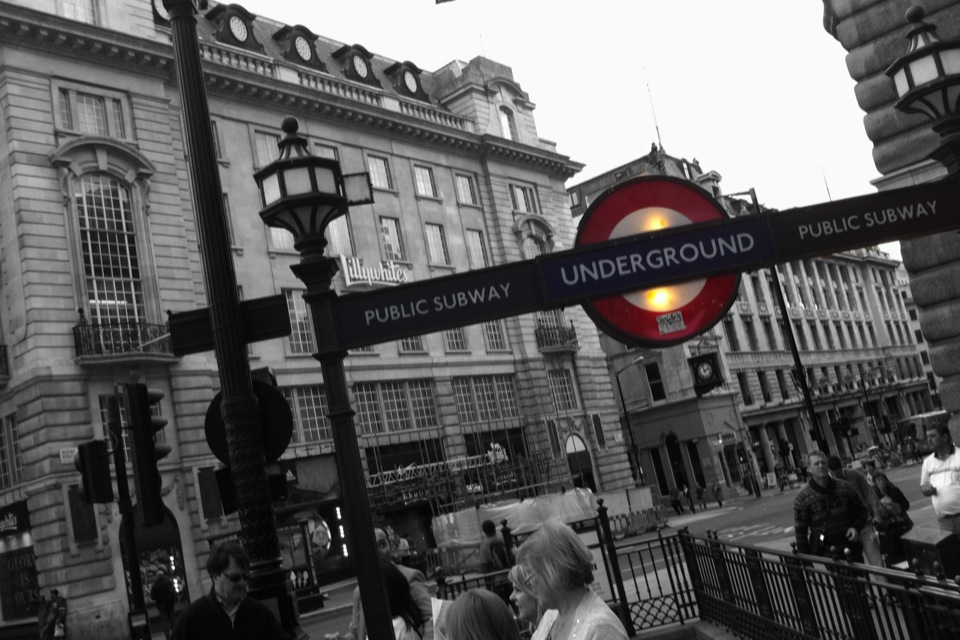
Color Effects is a straightforward application for removing or adding color to your photos. Choose between original color, recolor, or gray to draw or detract attention from a certain area of your photo as is demonstrated on the Underground sign above. (free)
3
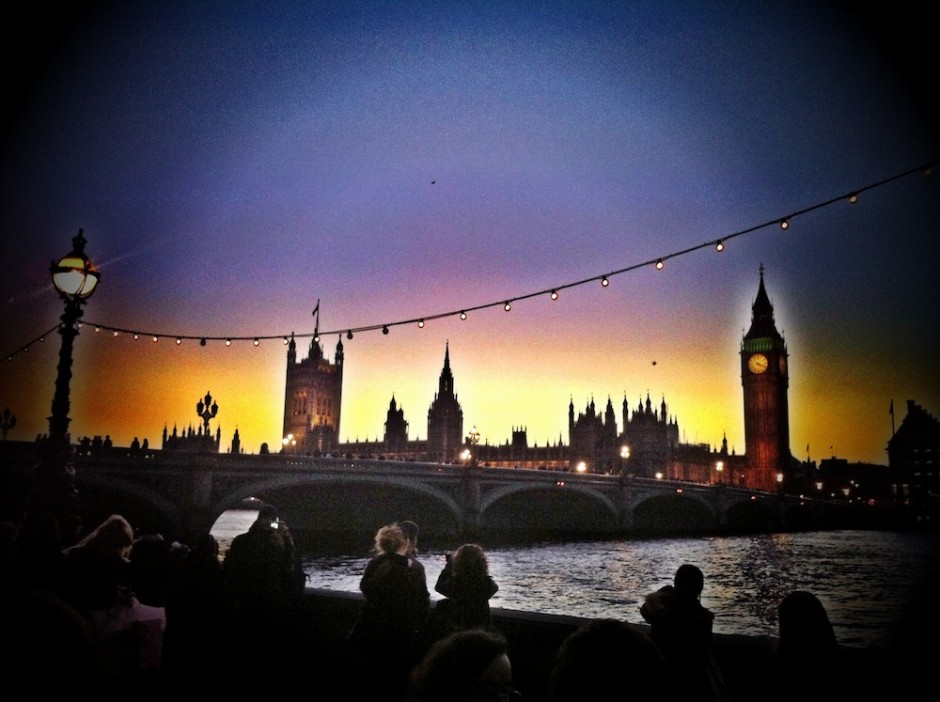
Camera+
Time Magazine named Camera+ as one of the 50 best iPhone apps of 2011 so there must be something pretty good about it. My favorite thing about this application is its Scene Mode which allows you to adjust your photo's lighting based on the usual modes one would find on a modern digital camera, for example Backlit, Sunset, Night, Portrait, Beach, Landscape, and Text. You can also add some pretty neat effects, crop, and add stylish borders. The Clarity scene and HDR photo effect were used for this shot of Parliament from South Bank. $0.99
4
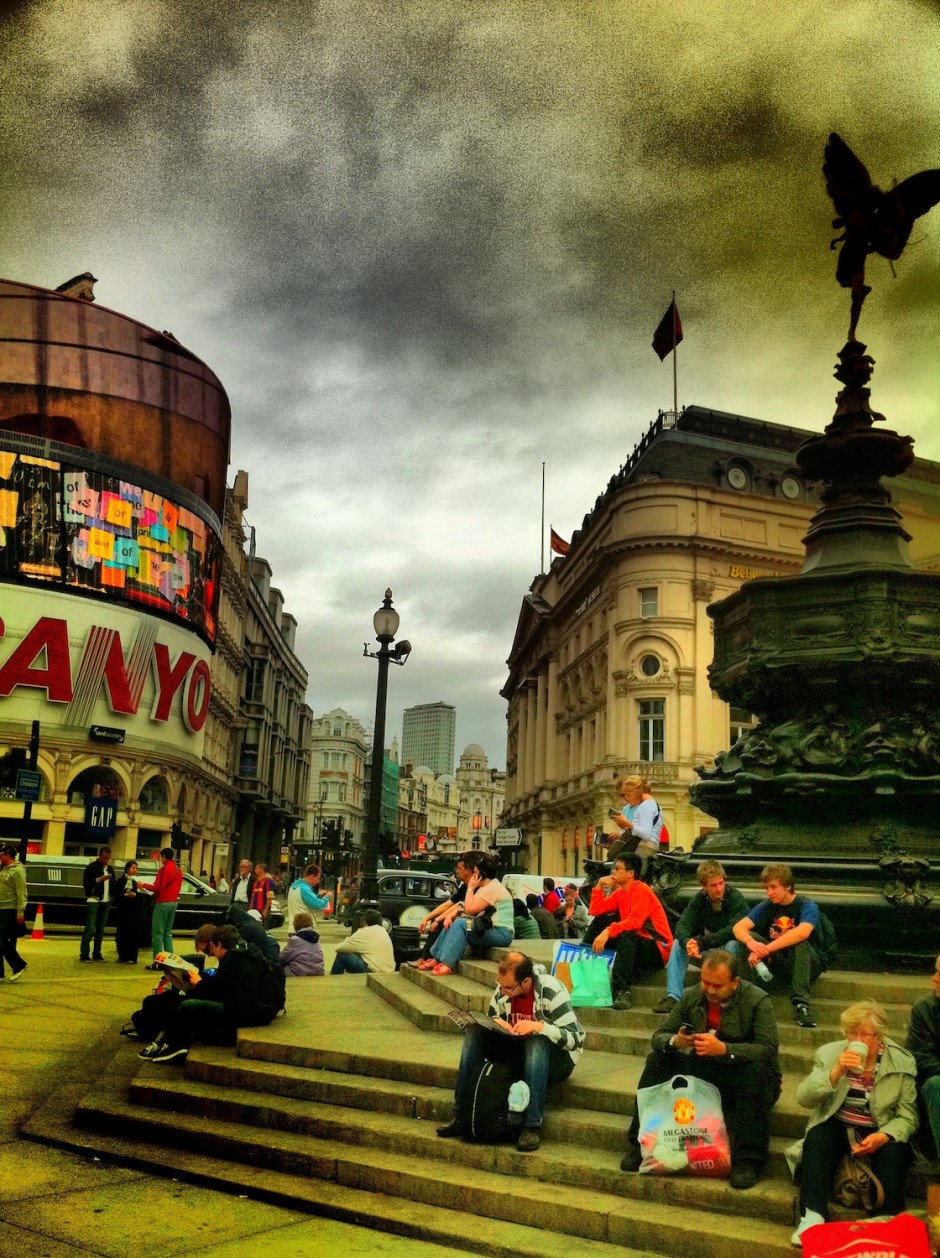
Dynamic Light
Dynamic Light makes it extremely easy to give your photos an HDR-like look in just a few seconds. Just move the strength dial to the right or left to increase or decrease the various effects such as Infrared, Orton, Overcooked HDR, and Old Photo. This photo of Piccadilly Circus is a more dramatic example of what this app can do with the Normal and Dutch Light effects combined. ($0.99)
5
FX Photo Studio
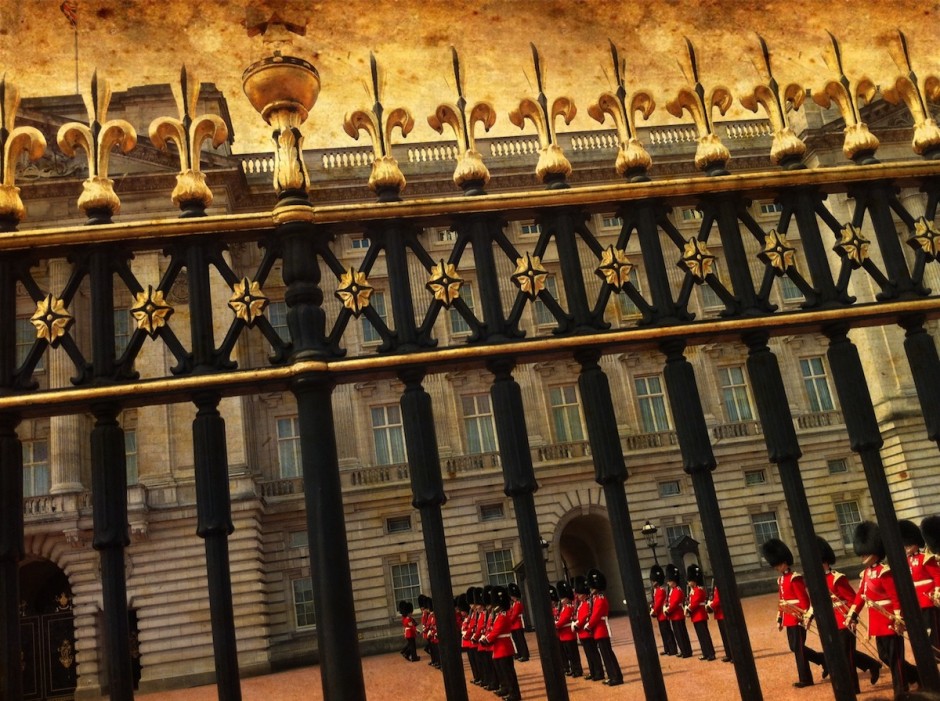
FX Photo Studio touts the largest and most diverse collection of photo effects and filters in the iTunes app store, which is why it has been one of my most-used photo editing applications. With this application there is also a masking feature which allows you to apply effects to only a certain part of your photo and also the possibility to add cool text labels. For this photo of Buckingham Palace, I used the Ancient Canvas photo effect and just adjusted the amount and brightness of it to my liking. ($0.99)
6
Grungetastic
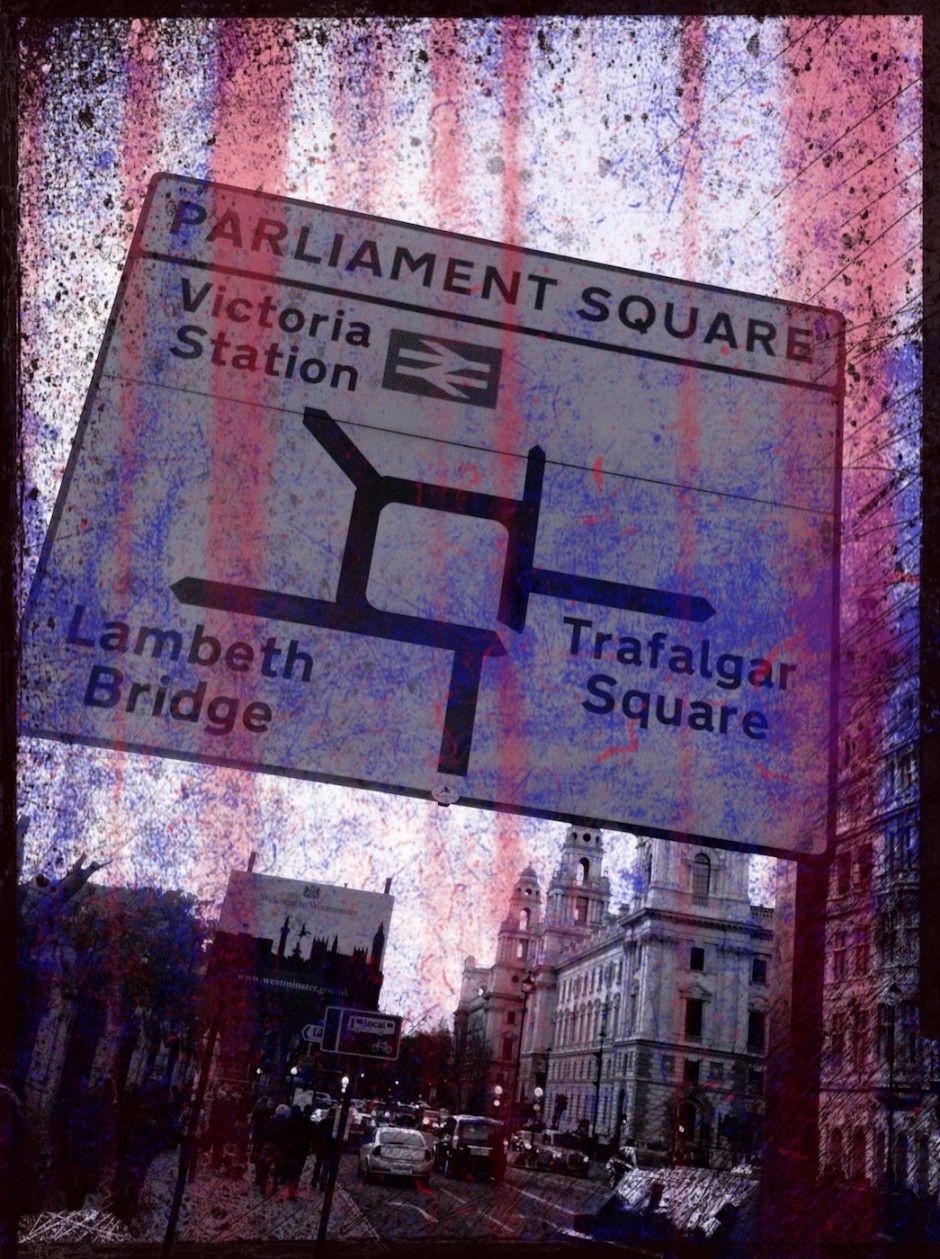
Grungetastic is a little trickier to use but once you figure out how to adjust the various layers you can pump out some pretty artsy photos. To be honest, I'm not even entirely sure how I came up with this one, but that's half the fun of playing around with apps like this; your final photos are original works of art that are often incapable of being duplicated. ($0.99)
7
Lo-Mob
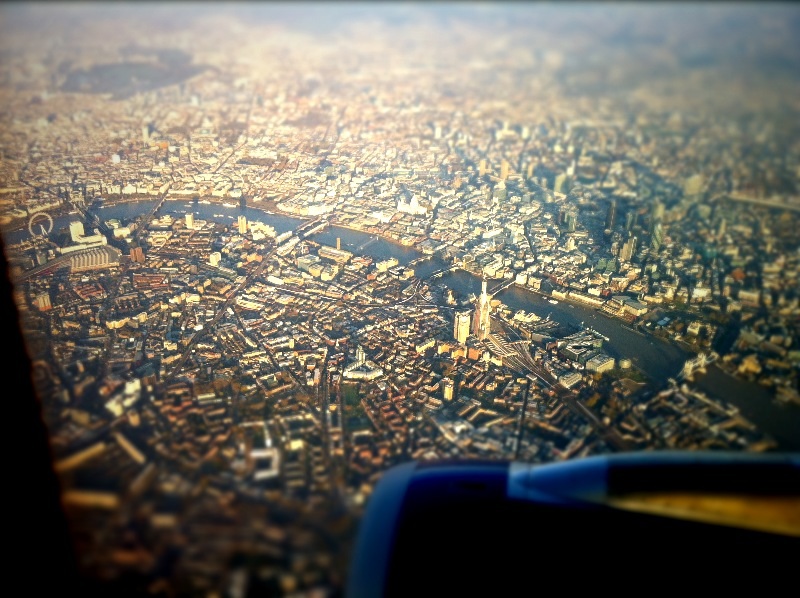
Lo-Mob is the perfect app for creating lo-fi and vintage photos fast. There are 39 vintage and experimental photo filters for you to choose from and you are able to view all of the previews at once. The Instant Wide filter was used for this photo. ($1.99)
8
PictureShow
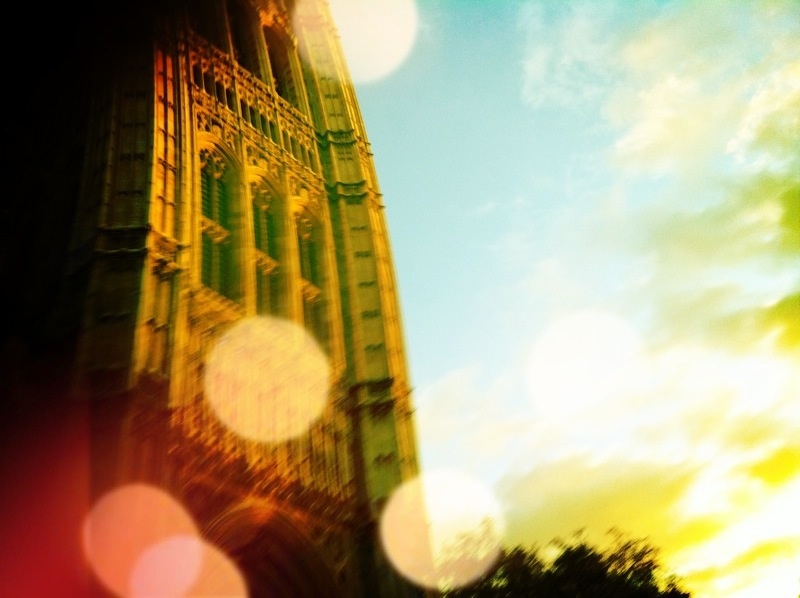
Quite the powerful photo editing tool, PictureShow is an app suitable for both new and experienced users. Mix and match the 45 preset styles, 23 frames, 10 light leaks, and 13 noises to create your own one-of-a-kind photo or simply press the Shuffle button to see what PictureShow comes up with for you. This shot of Parliament is a mixture of GreenGel style, Bokeh light, and Smoke Light noise. ($1.99)
9
Ripped from Reality
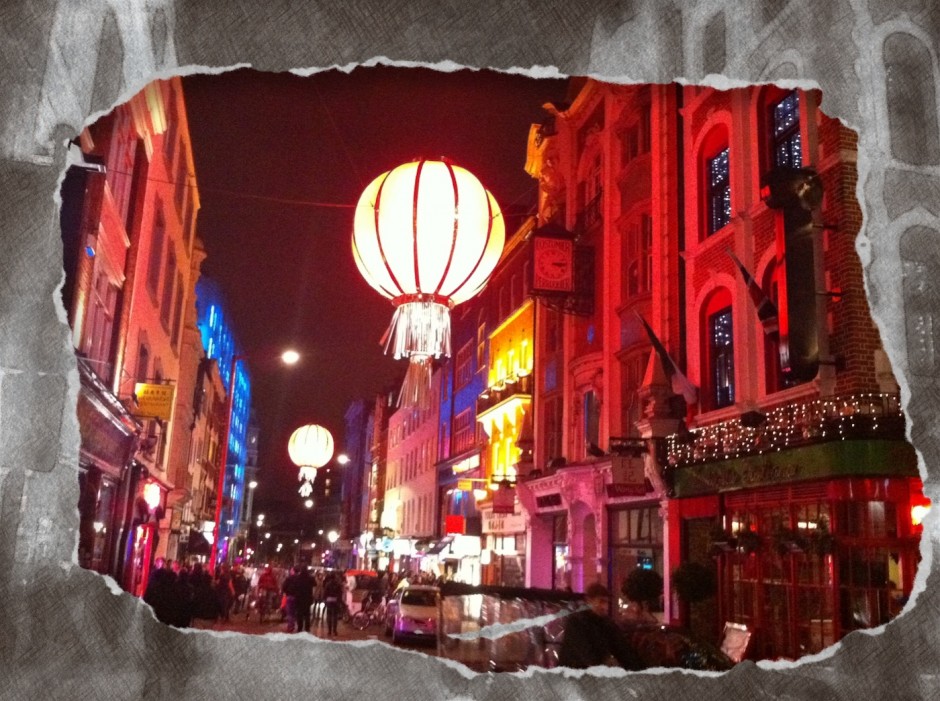
You can get really creative with Ripped from Reality, but this photo of Chinatown at night is just a simple example of how you can add a single cut-in rip to one of the various paper texture overlays. (1.99)
10


Great information, Larissa. I found a couple new apps from here that I’d like to add, in particular the Grungetastic app. Thank you.
Great, I am glad to hear that! Grungetastic is a fun one, for sure.
Hi Larissa, thanks for sharing your ideas. I have a question. What TilfShift Generator has got more than the same blur effects I can get with PictureShow, Fx PhotoStudio or SnapSeed, for example? thanks
Hi David, I don’t know about SnapSeed but in comparison to PictureShow and FX PhotoStudio, you can pretty much get all the same blur effects. TiltShift Generator is just a more straight forward app and maybe a little easier to use for those who want blur and only blur. That’s just my opinion though, I don’t know if anyone else has found one to be better than the others.
Thank you for your answer Larissa
Thanks for sharing Larissa! My company is developing a photo sharing & aggregation app called fotojelly, and one of the features we’re very focused on is having a great set of filters and frames to add more of the user’s personality to the fotos. Your article is inspiring.
Larissa, i love this article. I had a blog with about pictures and apps. If you are interested about other apps visit us: http://www.maisquefotos.com.br.
Tks!
Why thank you! Very cool photos, will definitely have a closer look for some more inspiration.
Our new camera filters app Hipsta Hipster Cam for iPhone is pretty cool too. It continuously generates new photo filters in different styles (retro color film, cross processed, black and white, and more) http://www.hipster-camera.com