Travelers with iPhones might now have one less important document to juggle while passing through TSA checkpoints at airports, assuming they update their phones to the latest iOS. On November 12, Apple debuted “Digital ID.” It’s a new feature available on iPhone 11 or more recent models, provided they’re running iOS 26.1 or later. It allows US passport holders to generate a secure, digital passport-based ID verification document replacement within the Apple Wallet app. It’s the tech company’s most significant attempt to allow users to store official data on their phones, following the ability to add a driver’s license to Apple Wallet, launched March 23, 2022. However, only 12 states plus Puerto Rico are part of that program, while anyone with a US passport (and the appropriate iPhone) can use the new Digital ID feature.
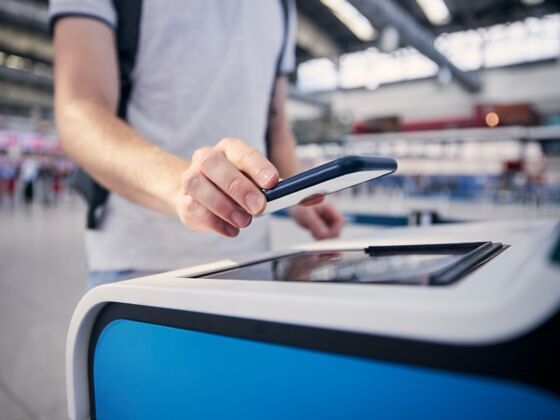
IPhone Users Can Now Use a Digital Passport in Airport Security. These Are the 5 Things to Know.
Here’s what to know about how the feature works, where it can be used, and why you may or may not want to use it for upcoming holiday travel.
1. It’s a passport-based digital ID — not a passport replacement
Photo: PeopleImages/Shutterstock
The new program doesn’t mean you can leave your passport at home while you fly to the Caribbean. The purpose of Digital ID is to let travelers carry a digital ID document based on their passports, allowing them to verify their identity at select TSA checkpoints without pulling out their physical passports. However, it doesn’t replace your actual passport. According to TSA’s own website, “all passengers must still carry an acceptable compliant physical ID for verification.”
That means you can’t use the digital passport-based ID for any other purposes; it can’t be used by airlines to verify your identity, or as a travel document to enter other countries. International travelers will still need their physical passports to move through customs and border control and enter other countries, as the US is the only country that recognizes the digital documents (for now, at least).
2. You can use it no matter where you live
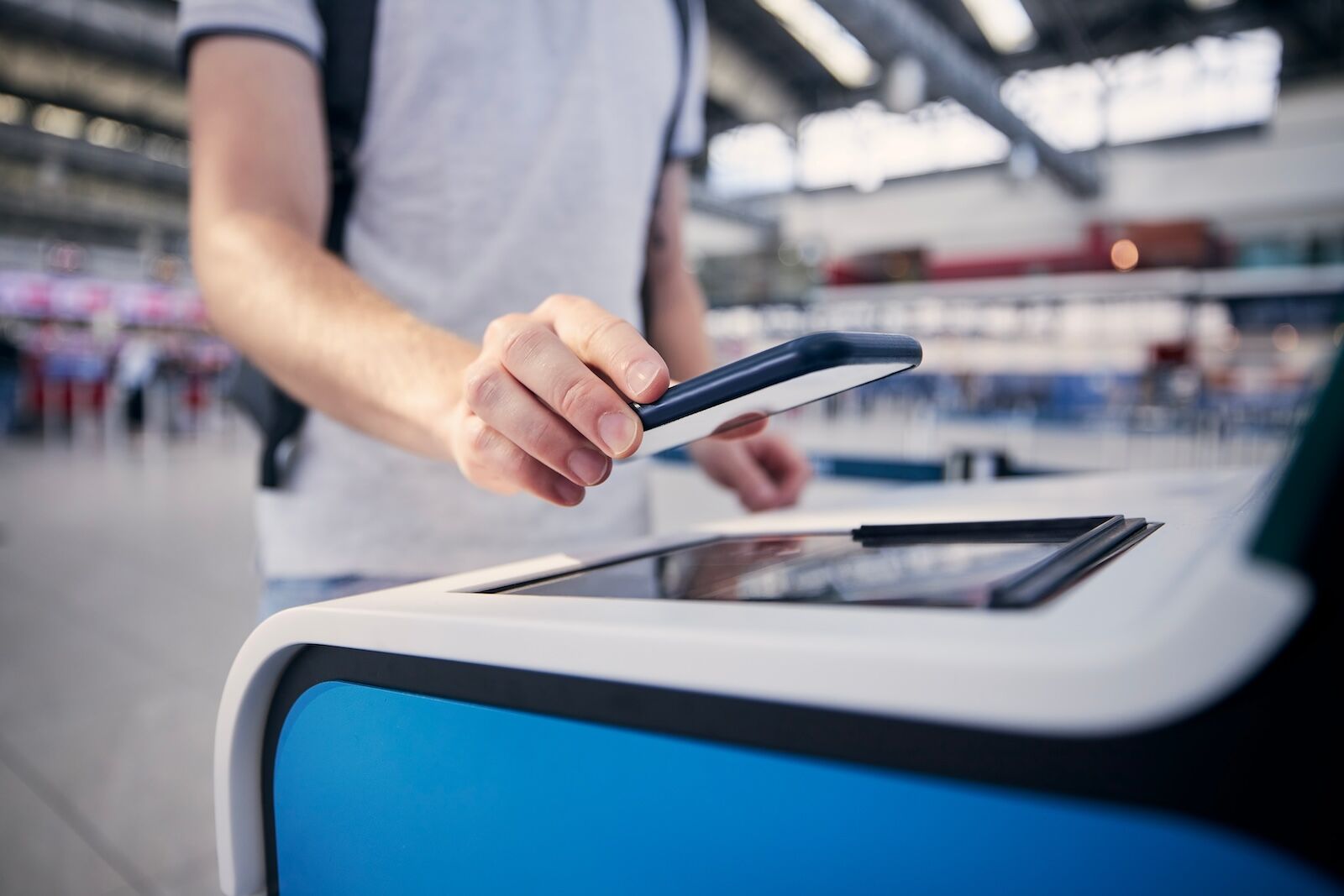
Photo: Jaromir Chalabala/Shutterstock
Unlike Apple’s digital drivers’ licenses, any US passport holder with a compatible phone can take advantage of the program, regardless of what state they call home. So someone living in a state that doesn’t participate in Apple Wallet’s mobile drivers license app, like New York or Florida, can still generate a valid Digital ID passport. They could then use that digital passport as identity certification when passing through a participating TSA checkpoint, even for domestic flights. Apple says 250 airports throughout the US are currently able to accept passport-based digital IDs.
3. The setup process is complicated
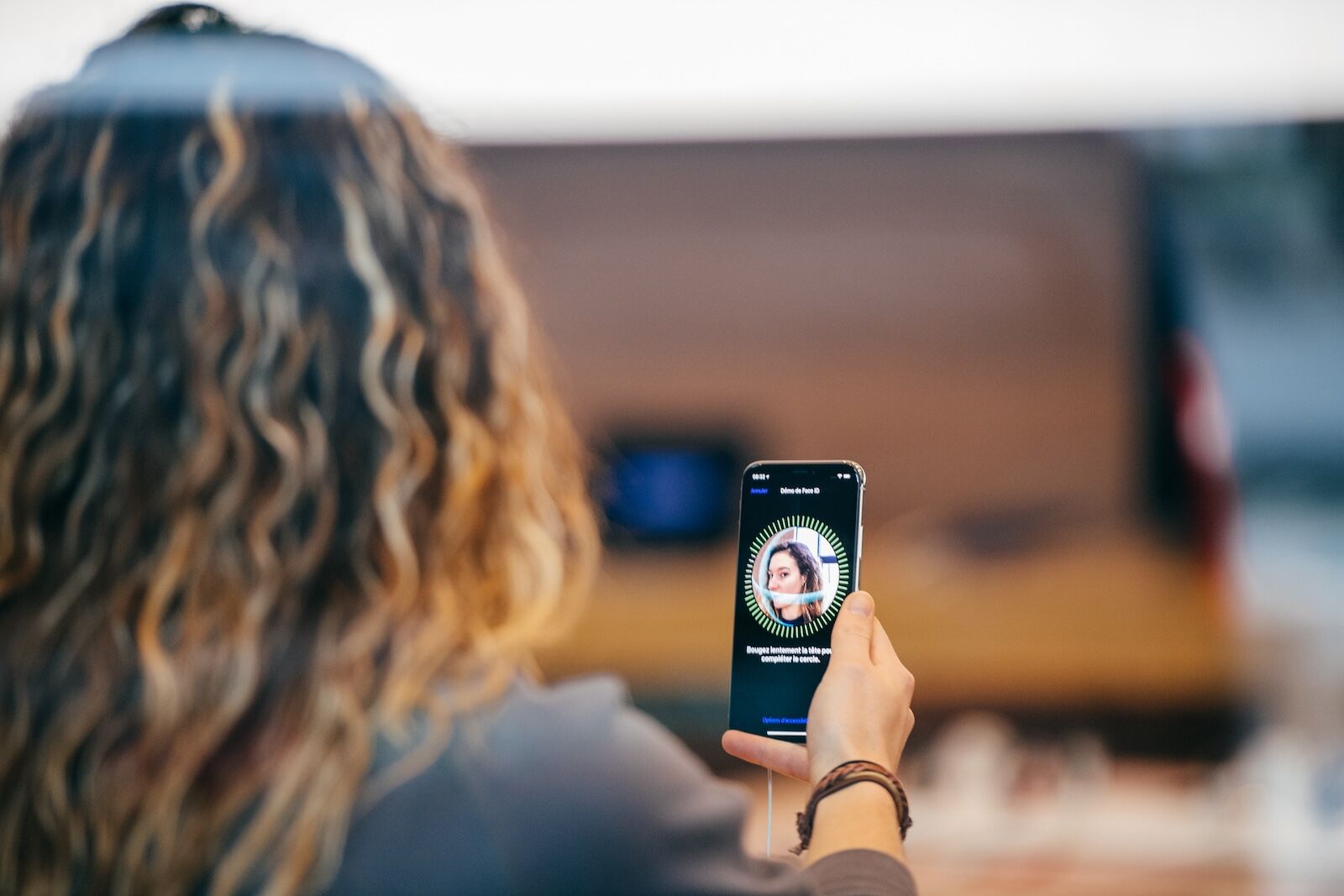
Photo: Hadrian/Shutterstock
The setup process for a passport-based Digital ID is intentionally more complicated than just taking a photo of your passport. To sign up, users need to go through several verification checks designed to prevent identity theft. You’ll start by scanning your actual passport, but you’ll also need to scan the NFC chip — something included in all passports issued since 2006. The NFC chip is what passport kiosks at airports read to verify passports.
Once that’s accepted, you’ll need to take a live selfie and go through a series of head and face movements to ensure you’re a real person, rather than someone trying to use a likeness of your face to gain access. This is similar to how the mobile passport program currently works. Apple Wallet will then compare that to the photo associated with your passport to make sure you’re really you, and will only create the digital ID after you’ve passed that final step. You should set up your passport-based mobile ID before you head to the airport, not while you’re waiting in the TSA security line.
4. It reduces how much information is shared with TSA
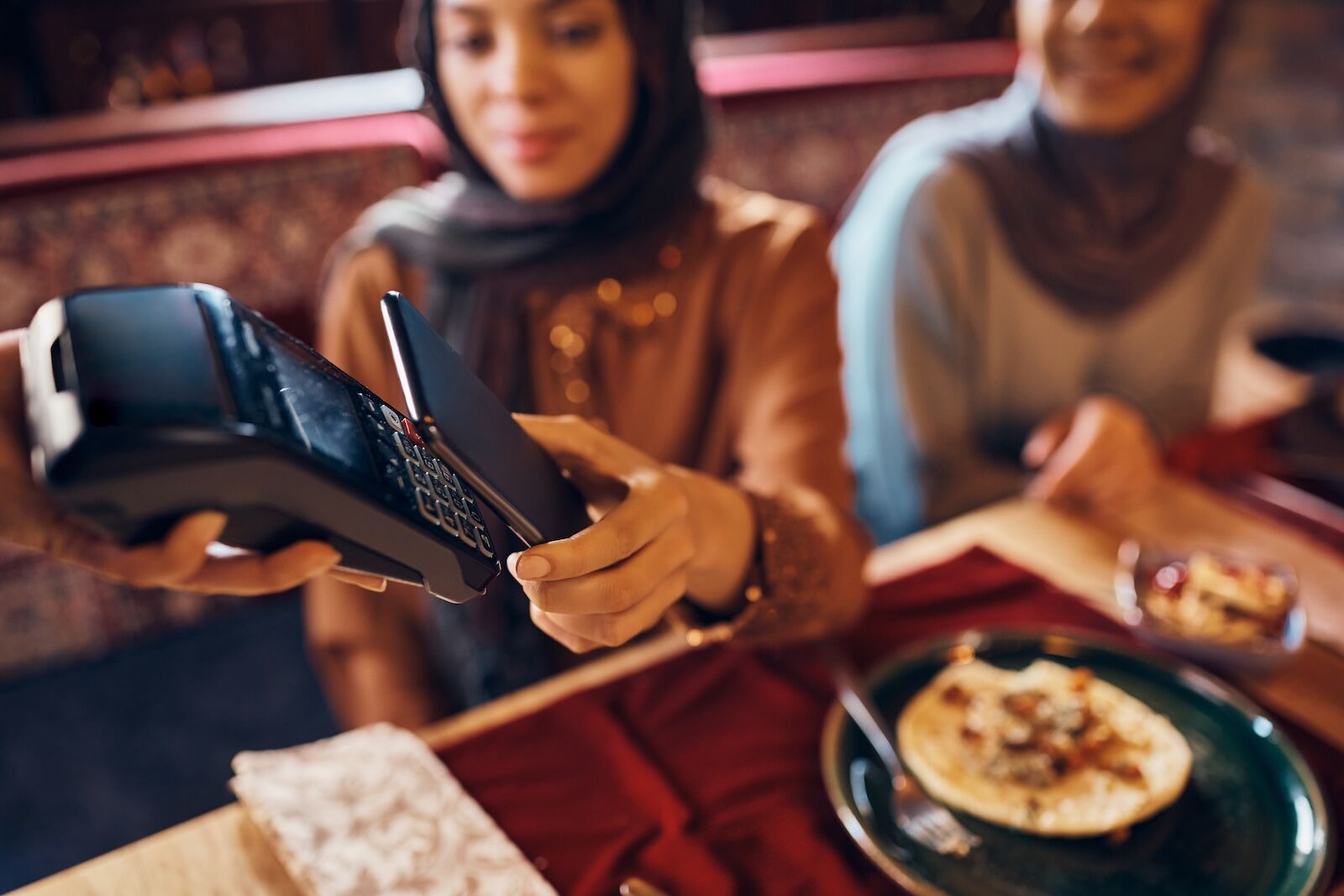
Scanning your passport-based ID works similarly to Apple Pay in terms of how much info it shows to the requesting company or person. Photo: Drazen Zigic/Shutterstock
According to Apple, using the Digital ID in Apple Wallet works the same way as Apple Pay: you’ll okay the request using Face or Touch ID, then hold your phone near the reader. The requester’s screen will then show only the information being requested, but will hide non-relevant information like address, weight, birthday, and so on. Travelers will do the scan themselves rather than handing their phone to a TSA agent, potentially keeping travelers and TSA staff healthier by limiting contact and germ exchange.
Apple says it plans to expand Digital ID for use in age checks and business transactions, but that technology isn’t yet available.
5. It raises questions of convenience vs. privacy
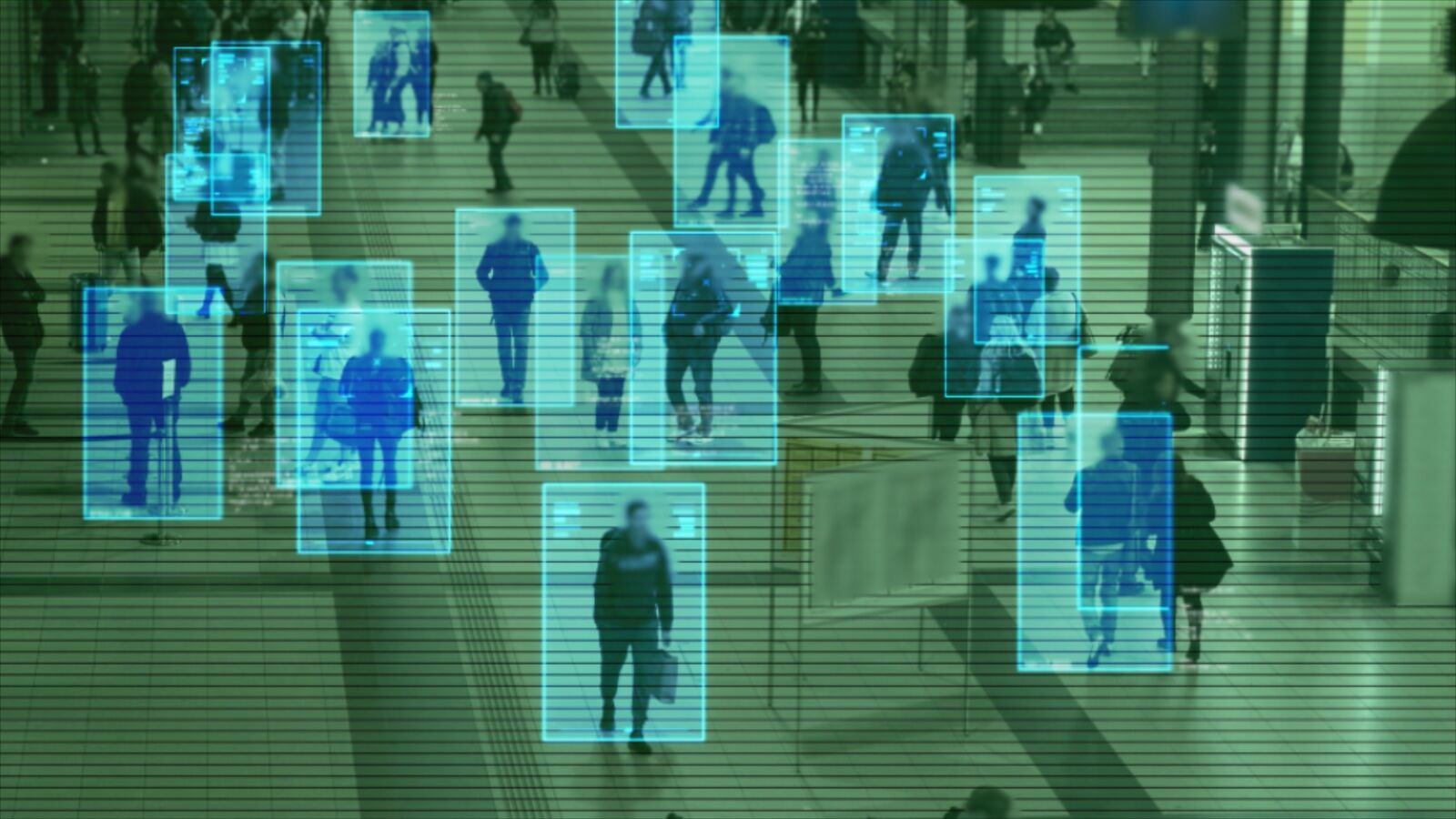
Photo: AlinStock/Shutterstock
For those concerned about sharing the data with Apple, the company’s official line is that after verification, your Digital ID data is encrypted and stored locally on your phone, not on Apple’s servers, and that Apple “cannot see when or where users present their ID.”
However, many security experts and privacy advocates have long spoken out against the adoption of digital IDs. The American Civil Liberties Union (ACLU) warned in 2021 that once “digital ID usage becomes normalized, companies will 100% know who you are; there will be no changing usernames and passwords or using pseudonyms. No resetting your relationship with the company, or erasing their memory of you.” Using IDs for actions like checking into hotels or verifying your age at a bar is a chance to link your identity to your behavior and movements, even if a company claims it can’t see that data. It also makes phones an even higher target for theft, as it contains so much personal information, and may render travelers helpless if they lose their phones or accidentally lock themselves out. It also makes the rewards for individual or widespread hacking even more lucrative.
The flip side, which TSA and Apple point out, is that digital IDs are harder to counterfeit and can be wiped remotely, unlike a physical passport or license.
The other argument against digital IDs is that they create a slippery slope toward being asked to show more and more ID verification everywhere you go, further eroding personal privacy and potentially marginalizing people who choose not to use it.
Should you sign up?
Whether or not to make use of the program comes down to each individual person. While the program does raise valid concerns about privacy, government tracking, and risk of theft, it also comes with some enhanced security features, and could speed up the travel process. That’s especially true for travelers who already have mobile boarding passes, allowing them to show all required ID without pulling out their wallets — and who may already have their hands full with backpacks, toddlers, strollers, dogs, or anything else.

More like this