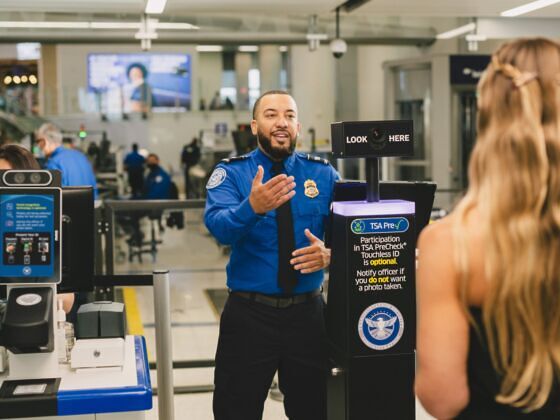
Photo: Transportation Security Administration

TSA Airport Lines Are About to Get Quicker for Android Phone Users

Technology + Gear News Airports + Flying
by Suzie Dundas Jun 29, 2026

Normally, airport security lines move at turtle speed, slowed by families hauling big carry-ons, other travelers trying to find their wallets, and first-time flyers who have to ask about what is and isn’t allowed through the scanner belt. But part of that process is about to speed up for high-tech travelers. And even though iPhones may be the best-selling phones in the world, the advantage in this case goes to Android phone users.

On June 24, Google announced and the Transportation Security Administration (TSA) that Google Wallet is the first digital wallet to partner with the TSA on its PreCheck Touchless ID program: the system that lets eligible flyers clear the identity check with a facial scan instead of handing their physical ID and boarding pass to an officer. The integration will roll out over the coming weeks. (If you’re new to how the face-scan lane itself works and where it’s available, check out the full details here.)
What’s changing

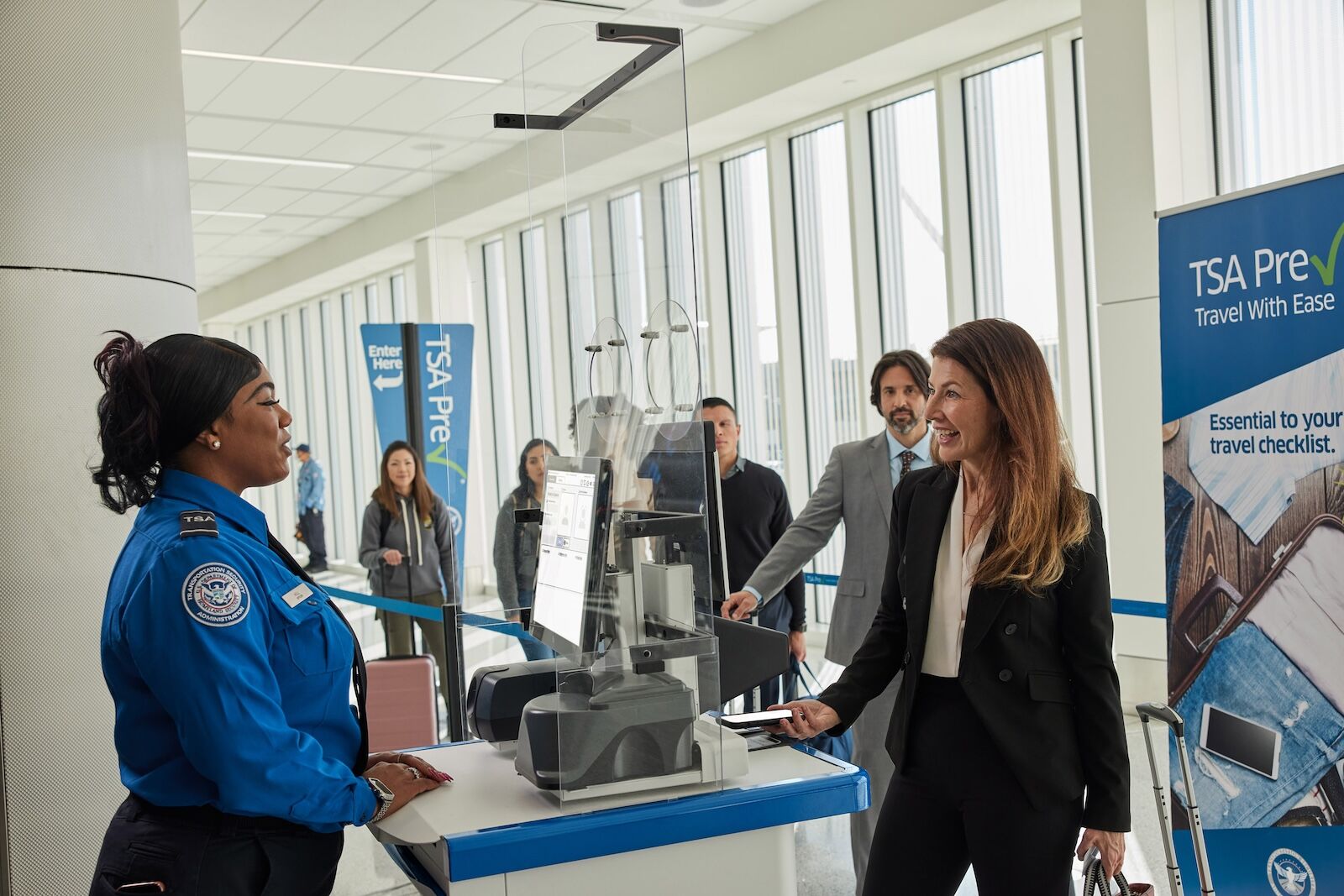
touchless ID android  - google wallet

Photo: Google

The update is about access, not new technology. Until now, opting into Touchless ID meant doing it one airline at a time. You had to keep an active profile with one of a few participating airlines, upload your passport into that airline’s system, and repeat the whole thing for every airline you flew. Only Alaska, American, Delta, Hawaiian, Southwest, and United were enrolled in the program, and it was often limited to members of their frequent flyer/loyalty programs.

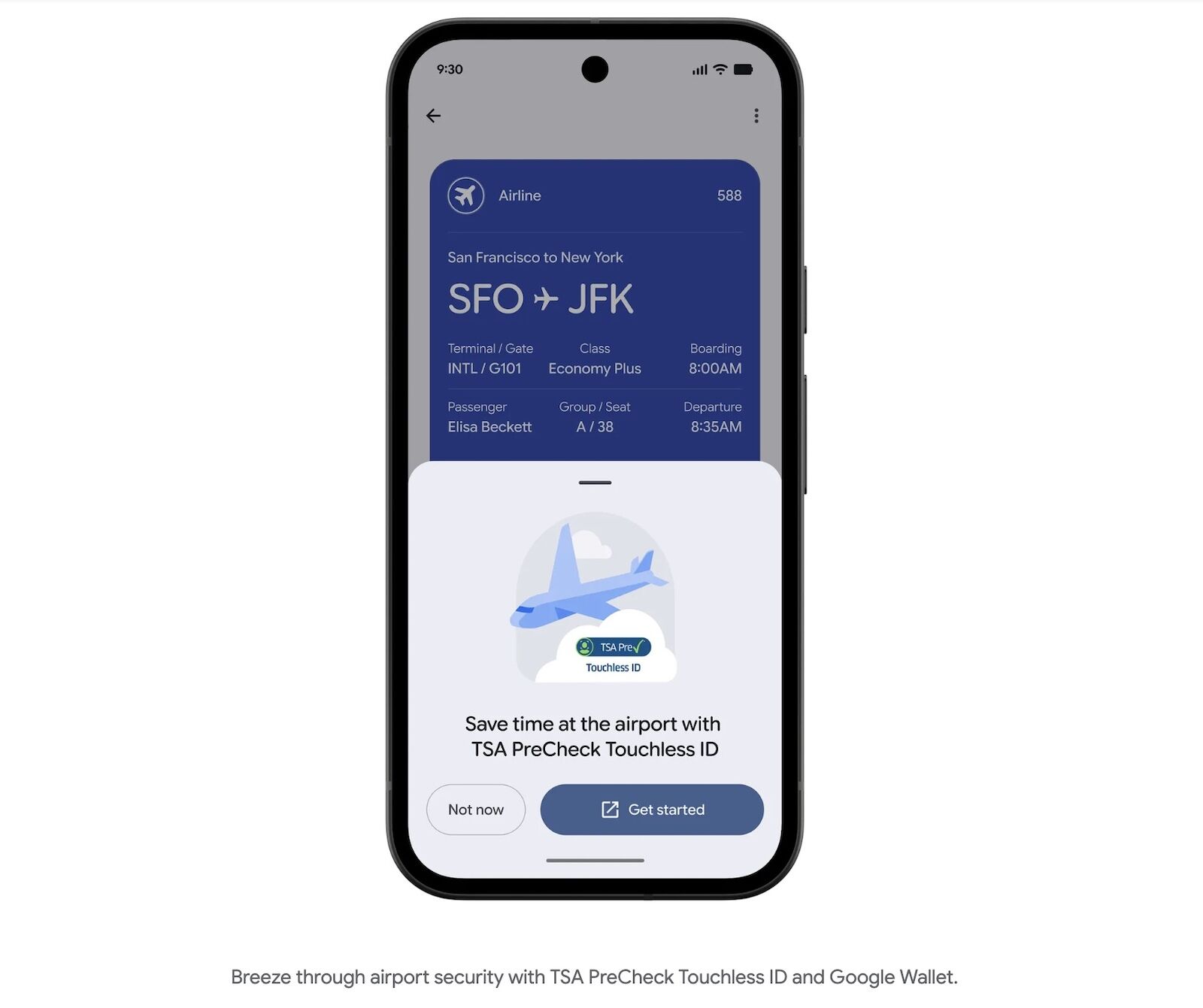
But the new Google Wallet setup simplifies the process. You add your passport once as a digital ID pass in your Google Wallet app, then opt in directly from your boarding pass in Google Wallet, without having to go through the airline. It now means PreCheck members can use Touchless ID on any of the nearly 100 airlines enrolled in the PreCheck program, not just the original six airlines. As of now, Touchless ID still only runs at 65 airports, and sometimes only at a few checkpoints within those airports, so it’s not guaranteed you’ll be able to use it on every flight at every gate. It’s also available only to flyers enrolled in TSA PreCheck, and only to US passport holders.

Per Google, setup is straightforward. Create the ID pass with your passport, save your boarding pass to Wallet, tap “Get started” if you’re eligible, and agree to share your credentials with the TSA. A Touchless ID indicator then appears on your boarding pass in Google Wallet.

An Android head start

For now, the shortcut runs through Google Wallet only, which works on any Android phone. Apple Wallet can store a digital ID built from a US passport but isn’t a Touchless ID partner, so iPhone users can’t opt into the face-scan lane through it. Samsung’s own wallet app has its own digital passport feature via the Samsung Wallet app, but it runs through CLEAR, not TSA PreCheck. Fortunately, Google Wallet works on Samsung phones, too. It’s probable that Apple will also try to offer a similar experience to users, especially since Touchless ID is expanding quickly, from 15 airports in summer 2025 to 65 this year. But no official announcement has been made from Apple, as of June 2026.

Options for iPhone users

iPhone users aren’t shut out of digital identity at the airport, even though they can’t use this specific program. Apple Wallet supports a passport-based digital ID in iOS 26, on an iPhone 11 or later. At TSA checkpoints, you can scan your digital ID at the reader, at which point the TSA camera will take your photo and compare it to your digital ID, without the need to hand over your physical ID. According to TSA, you can do that at about 250 airports across the country. You can set this up using your US passport, or your driver’s license (if issued by a participating state).

Discover Matador

Save Bookmark

We use cookies for analytics tracking and advertising from our partners.

For more information read our privacy policy.